
Authentication
Authentication for the SparrowDesk REST API
All requests to the SparrowDesk REST API must be authenticated using a bearer token, included in the Authorization header of every request.
Obtaining a Bearer Token
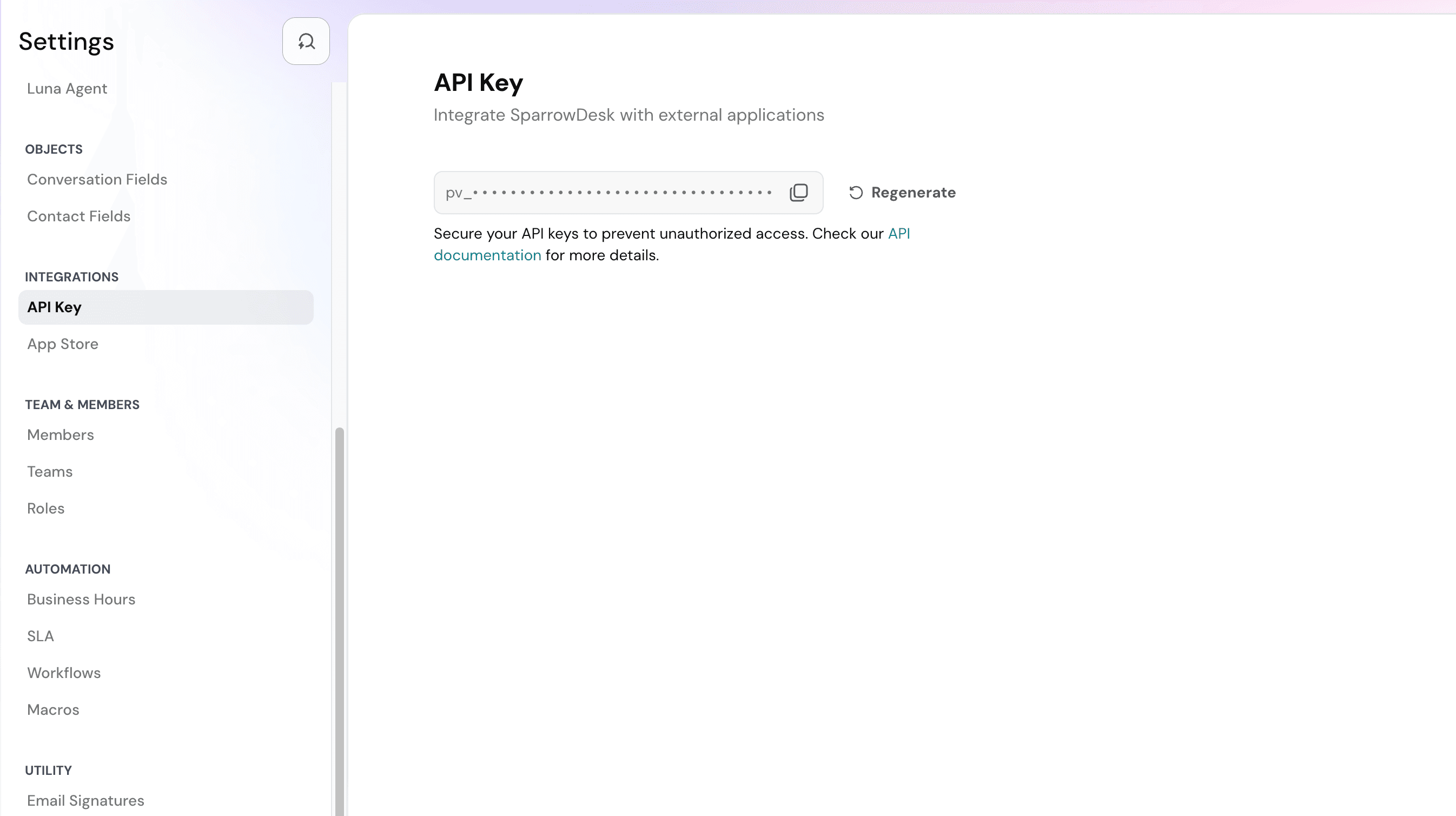
To authenticate with the API, you need to obtain a bearer token from your SparrowDesk account.
- Login to your SparrowDesk account
- Navigate to settings and click on the API keys page.
Using Bearer Tokens
Include your bearer token in the Authorization header of every API request using the following format:
Authorization: Bearer YOUR_TOKEN_HEREExample: cURL
curl -X GET "https://api.sparrowdesk.com/v1/contacts" \
  -H "Authorization: Bearer YOUR_TOKEN_HERE" \
  -H "Content-Type: application/json"
Security Best Practices
-
Keep your token secure: Never commit bearer tokens to version control or share them publicly.
-
Use environment variables: Store your bearer token in environment variables rather than hardcoding it in your application.
-
Regenerate tokens: In case of a security breach, regenerate your bearer tokens to prevent unauthorized access.
-
Use HTTPS only: Always make API requests over HTTPS to ensure your token is transmitted securely.
Error Responses
If your bearer token is missing, invalid, or expired, the API will return a 401 Unauthorized error:
{
  "message": "Unauthorized"
}
Next Steps
- Check the rate limits to understand API usage limits
- Explore the API reference for detailed endpoint documentation